Square Meter Mod Sims 4 Build Mode Overlay Mod · Free
Square Meter Mod for Sims 4: an overlay that shows each room's floor, area in m² and tile count, with selectable backgrounds. Free download for builders.
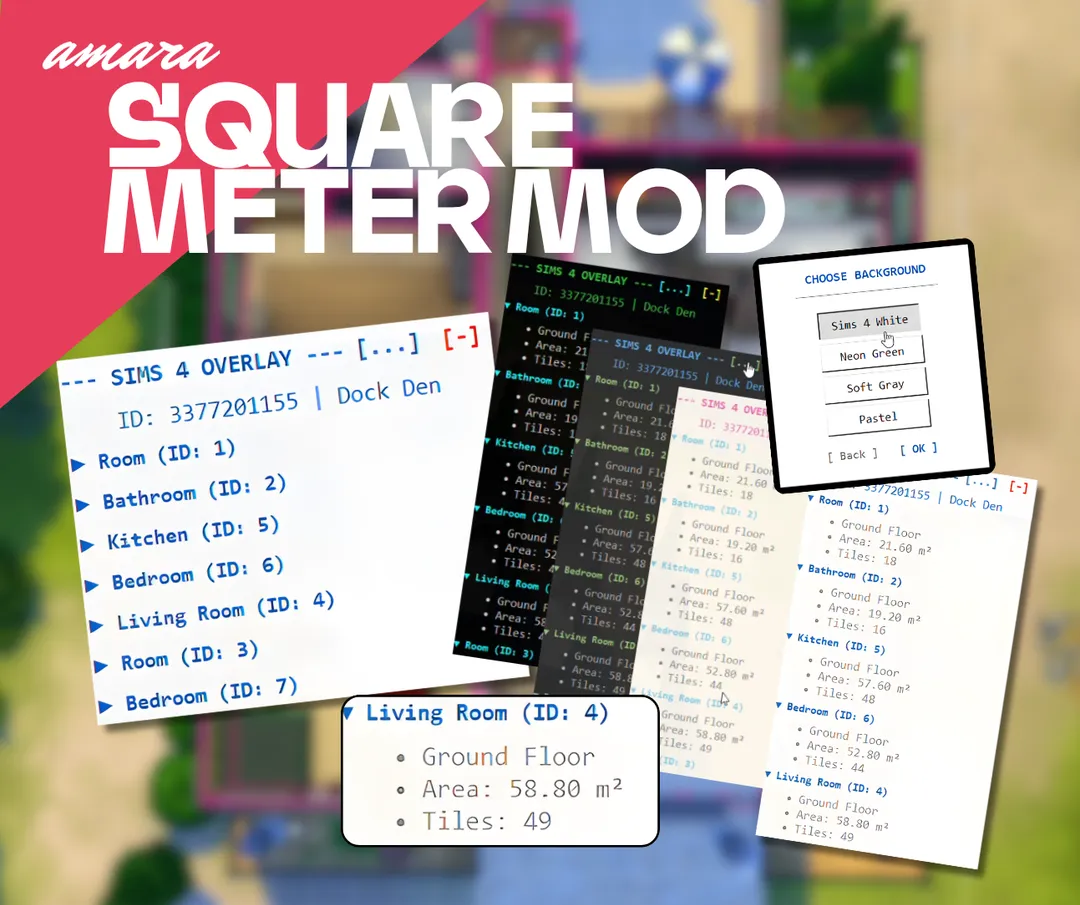
What the Square Meter Mod does
The Square Meter Mod by Amara is a handy tool for every builder in The Sims 4. It displays an overlay called "Sims 4 Overlay" that lists the rooms on a lot and shows the size and details of each one. The preview uses the lot "Dock Den" along with its lot ID. That way you always know how big your bathroom, kitchen or living room really is, which is ideal for realistic builds. Free to download.
According to the screenshot, the mod lists rooms such as Room, Bathroom, Kitchen, Bedroom and Living Room, each with an ID. Expand a room to see its floor, its area in square meters and its number of tiles, for example "Living Room (ID: 4): Ground Floor, Area: 58.80 m², Tiles: 49". A "Choose Background" menu lets you switch the overlay color between Sims 4 White, Neon Green, Soft Gray and Pastel.
- Sims 4 overlay window with room list
- Background selection menu
Style & colors
The overlay can be collapsed and expanded using the buttons in the window header, so it stays out of your way while you work. That makes the mod great for Simmers who recreate real floor plans, compare living space or plan speed builds. Whether you're building a realistic apartment, a family home or a community lot, this free Sims 4 mod gives you clear room data in m² right inside the game.
Pairs well with
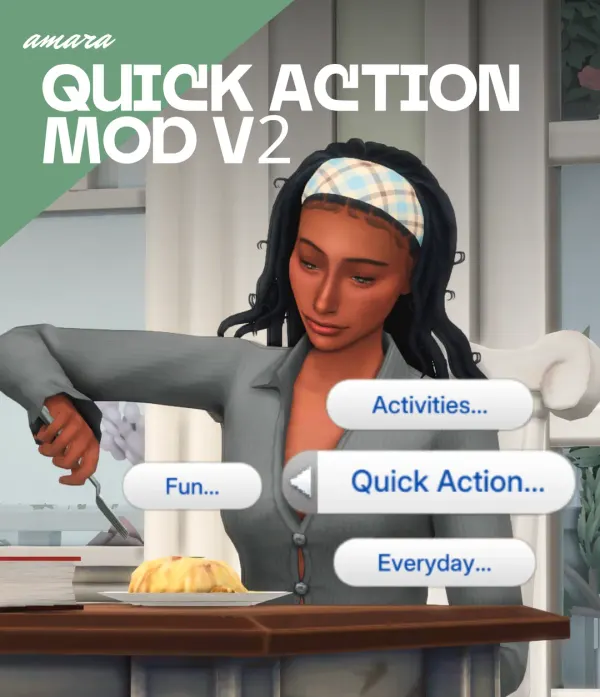
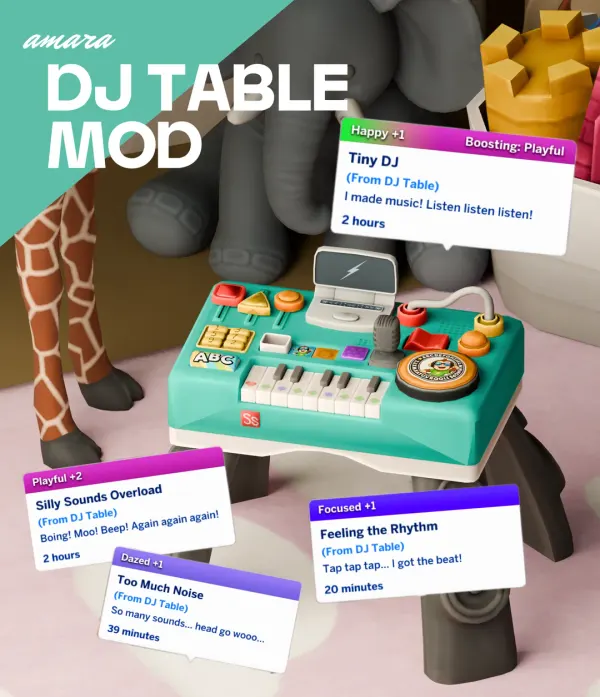
Love the Square Meter Mod? It looks great together with the Quick Action Mod V2, the Functional Light Switch and the DJ Table Mod – all free and in the same Maxis Match style.

Features
- Overlay listing every room with room IDs
- Shows the floor of each room
- Area in square meters (m²)
- Tile count per room
- Four backgrounds: Sims 4 White, Neon Green, Soft Gray, Pastel
- Collapsible, expandable window
How to install the Square Meter Mod in The Sims 4
- Click the download button at the bottom of this page – the file is hosted on Amara's Patreon (a free membership is enough).
- Unzip the downloaded file if it is a .zip archive.
- Move the .package and .ts4script files into
Documents/Electronic Arts/The Sims 4/Mods(no more than one subfolder deep for script files). - In the game, open Options → Game Options → Other and enable “Enable Custom Content and Mods” and “Script Mods Allowed”.
- Restart The Sims 4. You'll find the Square Meter Mod in the new interactions appear in the pie menu of the related object or Sim.
New to custom content? Read the full guide to installing Sims 4 CC.
FAQ
Is the Square Meter Mod free?
Yes. The Square Meter Mod is free – you only need a free membership on Amara's Patreon to see the download link.
Do I need an expansion pack for the Square Meter Mod?
Amara creates CC for the base game. If an item ever needs a pack, it is noted in the Patreon post.
Will the mod still work after a game patch?
Big EA patches can break script mods. If something stops working, check Amara's Patreon for an updated version.
The Square Meter Mod doesn't show up in my game – what can I do?
Check that custom content is enabled in the game options, that the files are not nested more than five folders deep, and delete localthumbcache.package in your Sims 4 folder.
Free download
Square Meter Mod
- Version
- 1.0
- Released
- Apr 5, 2026
- Game
- The Sims 4
- Price
- Free
Hosted on Amara's Patreon – a free membership is enough.
You might also like
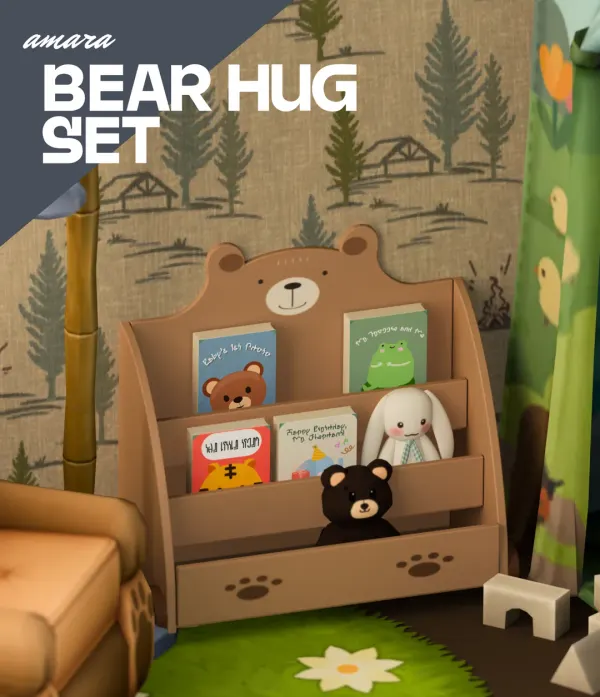
Bear Hug Set
NewKids RoomToddler RoomNurseryPlayroomPlayfulCozyShelves & StorageToys & PlushiesBooksWall DecorFigurinesWhite & CreamWood & BrownGreen & Mint
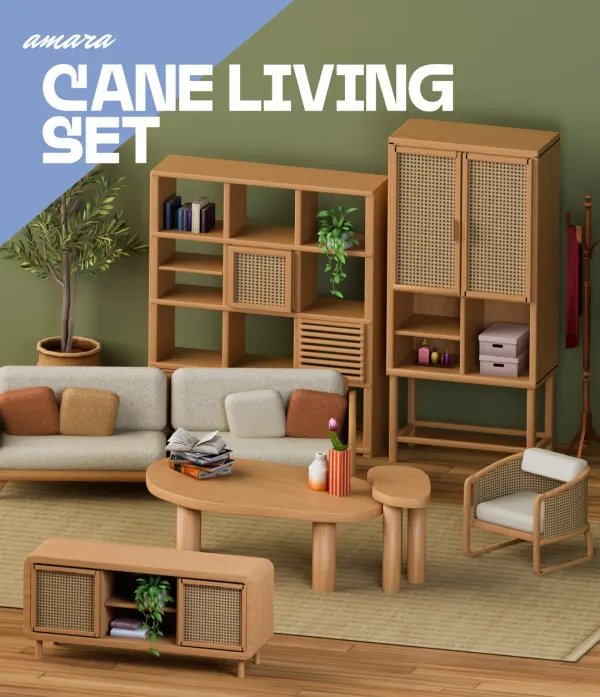
Cane Living Set
NewLiving RoomReading NookHallway & EntrywayNordic & ScandiBohoShelves & StorageElectronicsSeatingTables & DesksWhite & CreamBeige & NeutralWood & BrownYellowOrange & Terracotta
Cozy Little Things Bundle
Kids RoomToddler RoomPlayroomTeen RoomBedroomLiving RoomKitchenPastelColorfulShelves & StorageToys & PlushiesElectronicsTables & DesksKitchen & CookwarePlantsFigurinesPinkPurple & LilacWhite & CreamWood & BrownGreen & MintRed
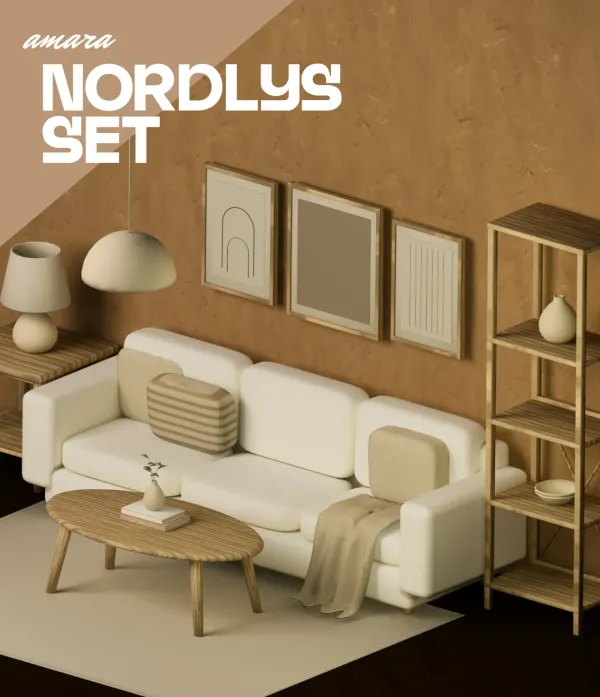
Nordlys Set
Living RoomReading NookNordic & ScandiMinimalistShelves & StorageSeatingTables & DesksLightingWall DecorPlantsRugsWhite & CreamBeige & NeutralWood & Brown