DJ Table Mod Sims 4 Toddler Gameplay Mod · Free
DJ Table Mod for Sims 4: an interactive kids DJ table that gives toddlers new moodlets like Playful, Happy and Focused. Free download for your game.
What the DJ Table Mod does
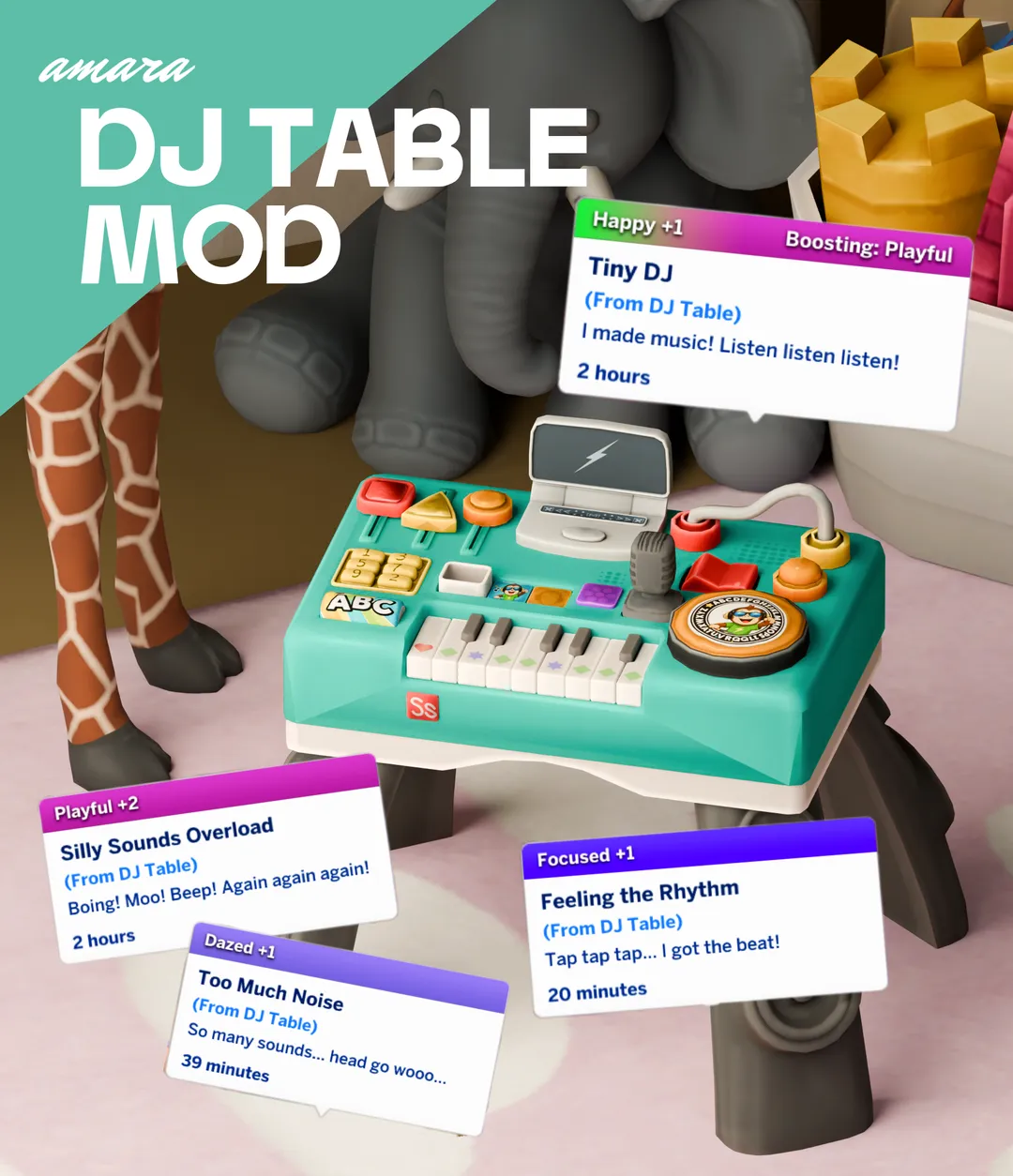
The DJ Table Mod by Amara adds an interactive kids DJ table to The Sims 4. The turquoise toy looks like a classic toddler activity table, with colorful buttons, mini piano keys, an ABC key, a microphone, a tiny laptop and a turntable. It's more than decorative CC: the preview images show that playing at the table triggers its own moodlets for your toddlers. A great free mod for Simmers who want more variety in toddler gameplay.
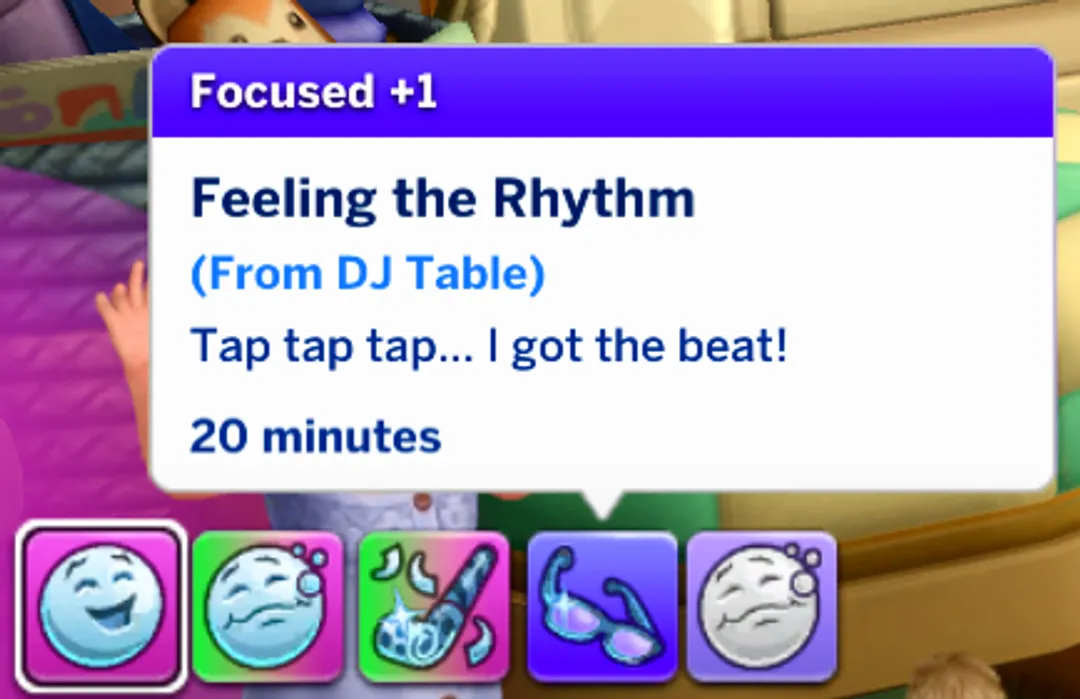
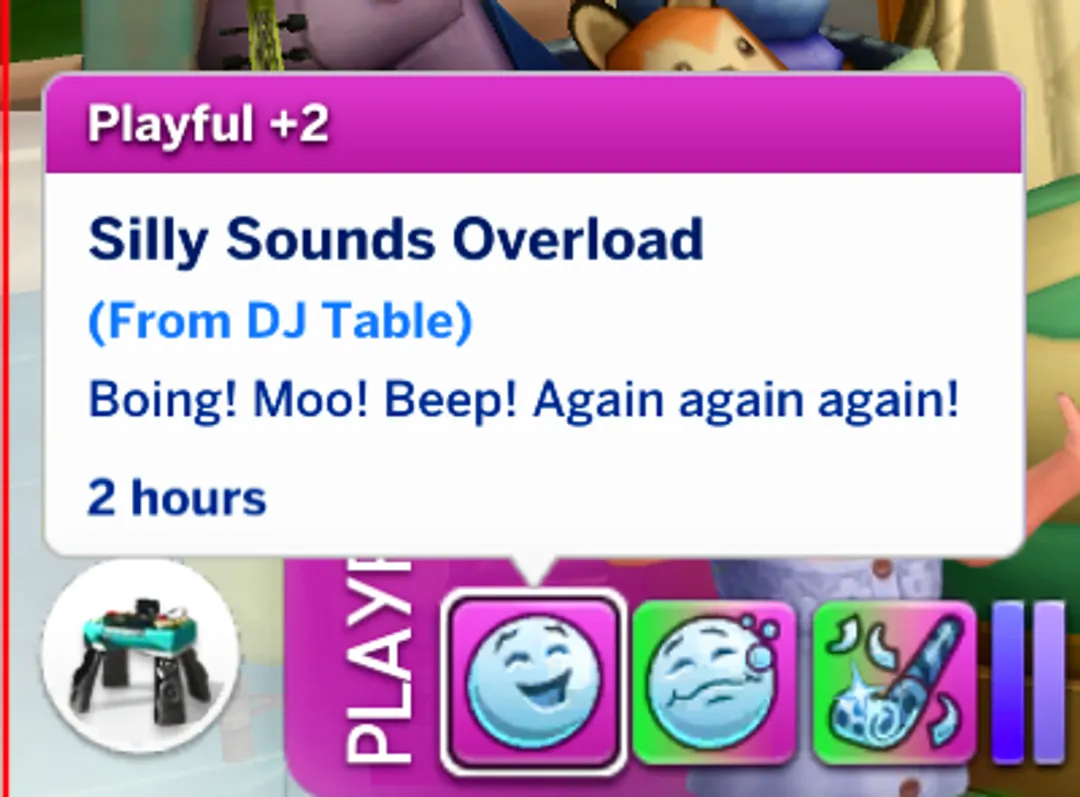
The images show four moodlets, each labeled "From DJ Table": "Tiny DJ" (Happy +1, 2 hours, boosting Playful), "Silly Sounds Overload" (Playful +2, 2 hours), "Feeling the Rhythm" (Focused +1, 20 minutes) and "Too Much Noise" (Dazed +1, 39 minutes). Depending on the situation, the music toy can put your toddler in a great mood, help them focus or leave them a little overstimulated, which makes for fun storytelling moments.
- Toddler DJ play table (kids activity table with piano keys, microphone, laptop and turntable)
Style & colors
With its bold turquoise, red, yellow and purple, the DJ table fits right into any colorful kids room or playroom. It stands on short legs and is easy to place between stuffed animals and other kids room clutter. If you want to give your Sims 4 toddler more to do, this free mod is a charming addition with its own gameplay and funny moodlet texts. Set it up in a play corner next to other toddler toys for a lively activity zone.
- Category
- Mods
- Swatches
- Turquoise, White, Red, Yellow, Orange, Purple
- Game
- The Sims 4 (base game)
Pairs well with
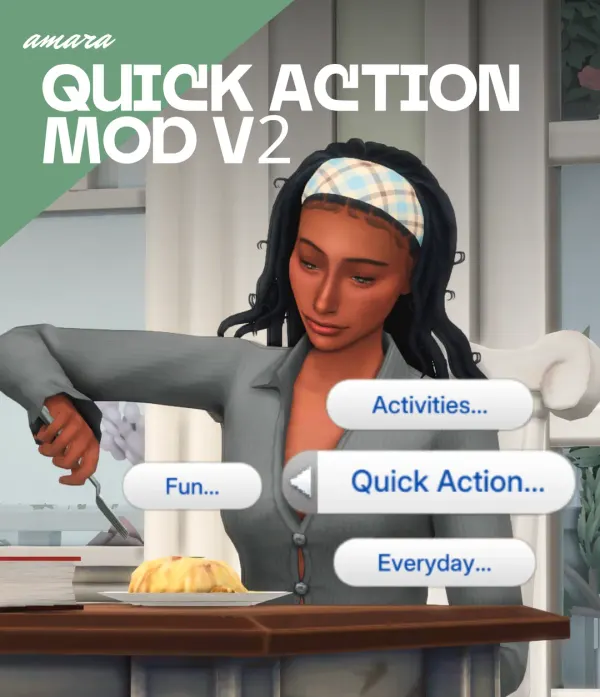
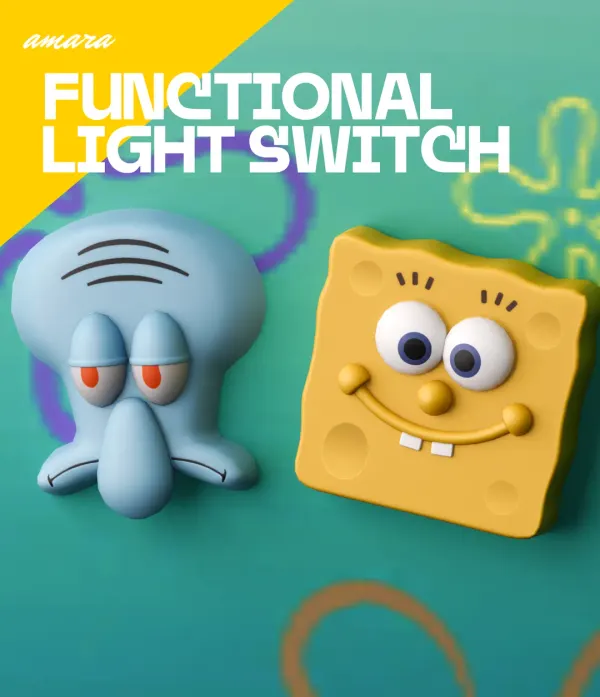
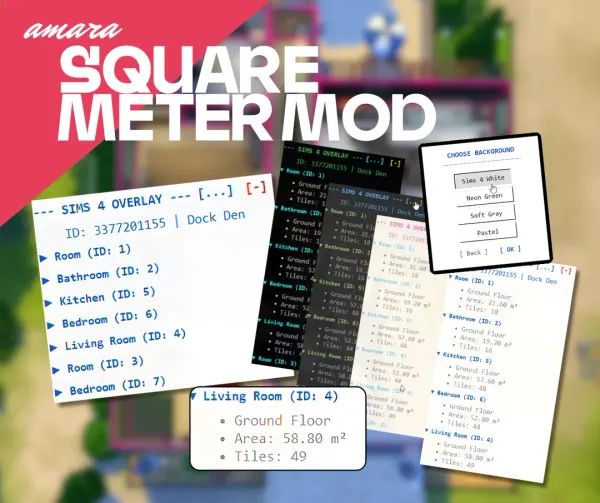
Love the DJ Table Mod? It looks great together with the Quick Action Mod V2, the Functional Light Switch and the Square Meter Mod – all free and in the same Maxis Match style.
Features
- Interactive DJ play table for toddlers
- "Tiny DJ" moodlet: Happy +1, 2 hours
- "Silly Sounds Overload" moodlet: Playful +2
- "Feeling the Rhythm" moodlet: Focused +1
- "Too Much Noise" moodlet: Dazed +1
- Colorful toy design with piano keys and microphone
How to install the DJ Table Mod in The Sims 4
- Click the download button at the bottom of this page – the file is hosted on Amara's Patreon (a free membership is enough).
- Unzip the downloaded file if it is a .zip archive.
- Move the .package and .ts4script files into
Documents/Electronic Arts/The Sims 4/Mods(no more than one subfolder deep for script files). - In the game, open Options → Game Options → Other and enable “Enable Custom Content and Mods” and “Script Mods Allowed”.
- Restart The Sims 4. You'll find the DJ Table Mod in the new interactions appear in the pie menu of the related object or Sim.
New to custom content? Read the full guide to installing Sims 4 CC.
FAQ
Is the DJ Table Mod free?
Yes. The DJ Table Mod is free – you only need a free membership on Amara's Patreon to see the download link.
Do I need an expansion pack for the DJ Table Mod?
Amara creates CC for the base game. If an item ever needs a pack, it is noted in the Patreon post.
Will the mod still work after a game patch?
Big EA patches can break script mods. If something stops working, check Amara's Patreon for an updated version.
The DJ Table Mod doesn't show up in my game – what can I do?
Check that custom content is enabled in the game options, that the files are not nested more than five folders deep, and delete localthumbcache.package in your Sims 4 folder.
Free download
DJ Table Mod
- Version
- 1.0
- Released
- May 5, 2026
- Game
- The Sims 4
- Price
- Free
Hosted on Amara's Patreon – a free membership is enough.
You might also like
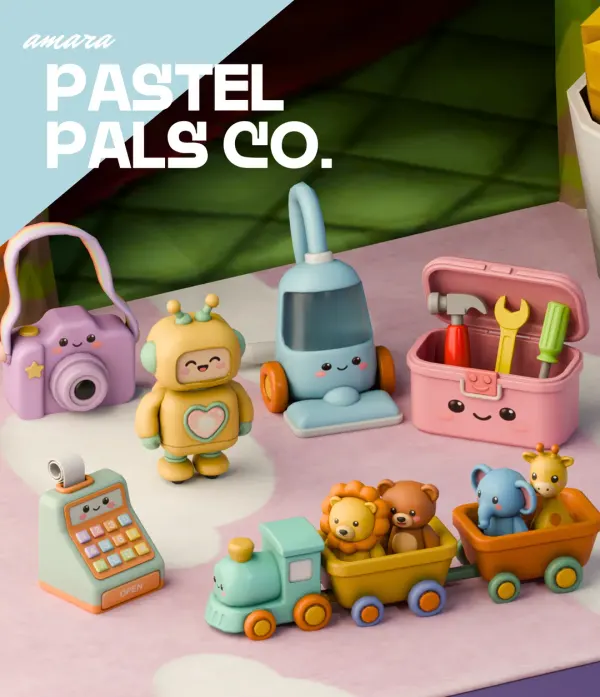
Pastel Pals Co. Set
Kids RoomToddler RoomPlayroomKawaiiPastelToys & PlushiesPinkPurple & LilacYellowOrange & TerracottaGreen & MintBlue & Turquoise
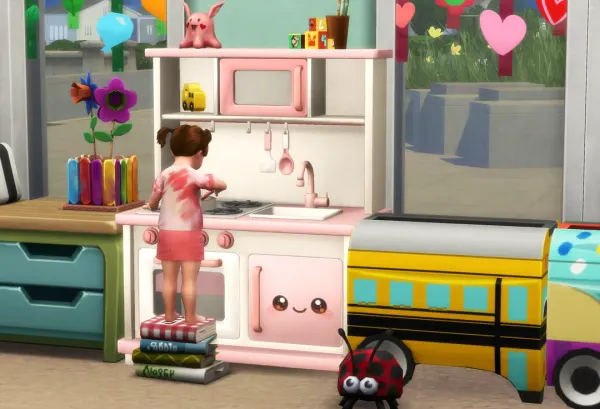
My First Kitchen
Kids RoomToddler RoomPlayroomKitchenPlayfulToys & PlushiesKitchen & CookwarePinkWhite & Cream
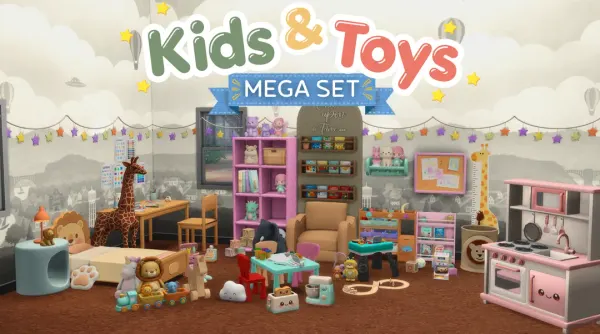
Kids & Toys Mega Set
Kids RoomToddler RoomPlayroomPastelPlayfulShelves & StorageToys & PlushiesBedsSeatingTables & DesksKitchen & CookwareWall DecorFigurinesPinkBeige & NeutralWood & BrownYellowGreen & MintBlue & TurquoiseRed
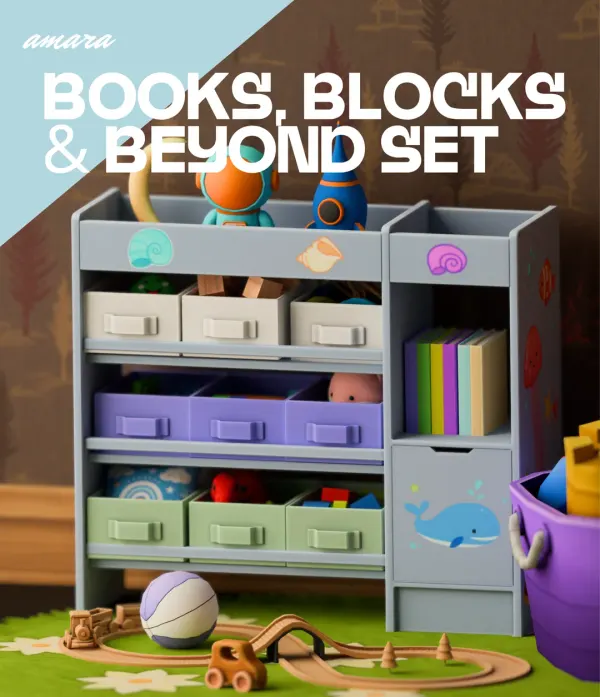
Books, Blocks & Beyond Set
Kids RoomToddler RoomNurseryPlayroomPastelShelves & StorageToys & PlushiesBooksFigurinesPurple & LilacWhite & CreamWood & BrownGreen & MintBlue & TurquoiseBlack & Grey