Functional Light Switch Sims 4 Functional Wall Decor · 2 Designs
Functional Light Switch for Sims 4: two cartoon-style light switches, a yellow sponge face and a blue squid face, as fun wall decor. Free download.
What the Functional Light Switch does
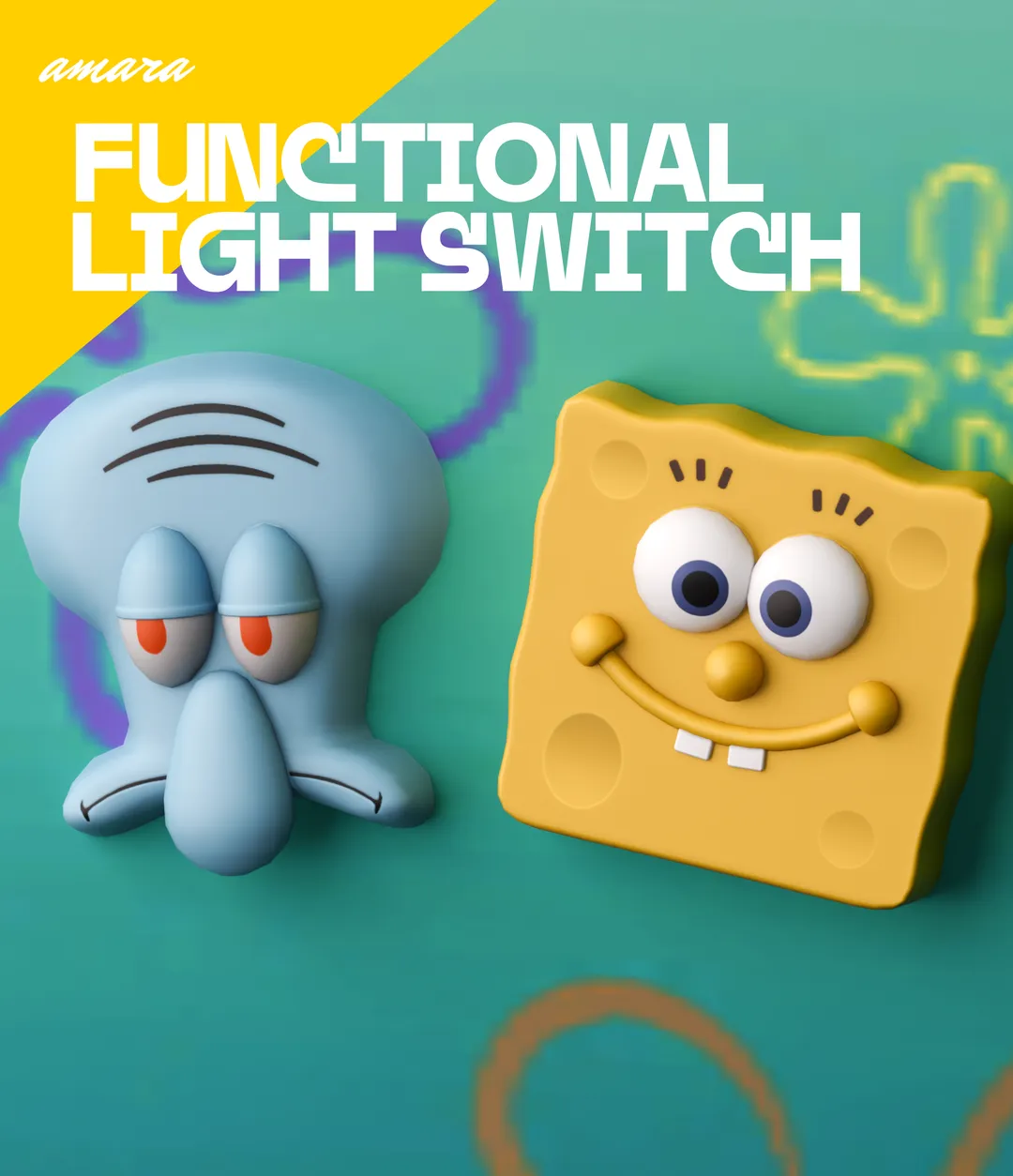
The Functional Light Switch by Amara brings light switches to The Sims 4 that double as funny wall decor. Instead of a plain white switch, two cartoon faces hang on your wall, instantly reminding you of a famous underwater cartoon. According to the title, the switches are functional, so they are meant to be more than just decoration. This free Sims 4 mod and custom content is perfect for anyone who wants to add a small, playful detail their guests will recognise immediately.
The set contains two designs, as shown in the preview: a square yellow sponge with big googly eyes, a wide grin and two buck teeth, and a light blue squid head with a large nose, sleepy eyes and a grumpy mouth. Both switches are sculpted in 3D, with visible pores and wrinkles, so they look like little relief sculptures on the wall. That makes this pair a fun addition to any CC collection with fan decor and quirky wall decor objects.
- Sponge face light switch (yellow)
- Squid face light switch (light blue)
Style & colors
Visually, the mod uses bold yellow and soft light blue on a turquoise background in classic cartoon style. The switches look great in kids rooms, teen bedrooms or a colourful underwater-themed bathroom. Combine them with bright clutter and toys to build a cohesive theme room, or hang them by the door in a gaming room or fan den. Wherever you place them in build mode, they are a small eye-catcher that will make both your Sims and you smile.
- Category
- Mods
- Item type
- LightingWall Decor
- Swatches
- Yellow, Light blue, Turquoise
- Game
- The Sims 4 (base game)
Pairs well with
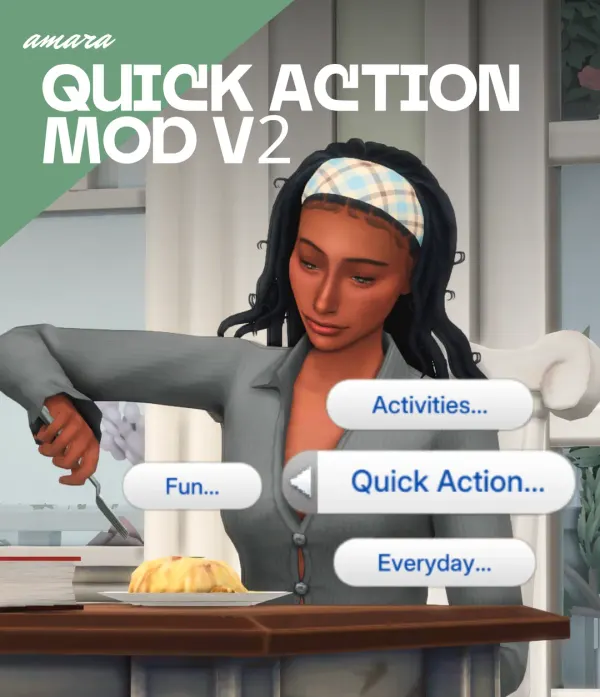
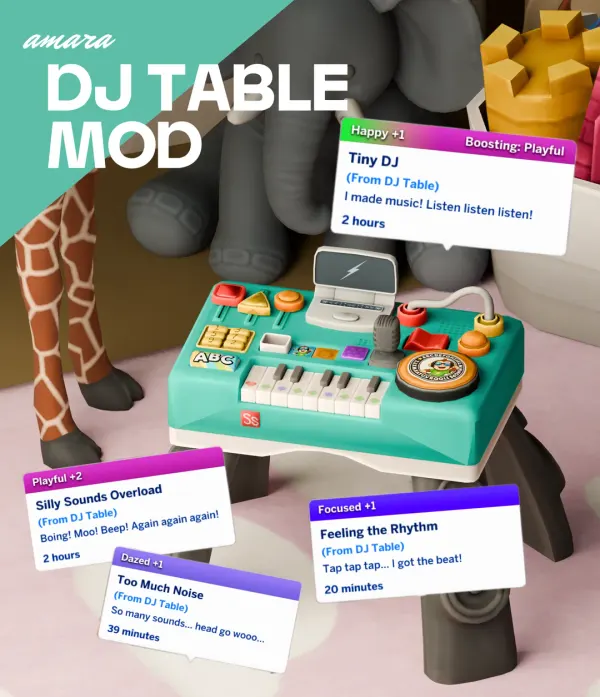
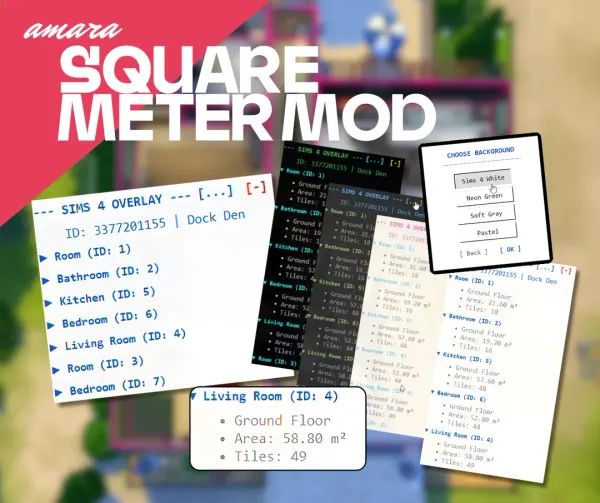
Love the Functional Light Switch? It looks great together with the Quick Action Mod V2, the DJ Table Mod and the Square Meter Mod – all free and in the same Maxis Match style.
Features
- 2 cartoon-style light switch designs
- Functional light switches according to the title
- Sculpted 3D models with face details
- Yellow sponge and light blue squid
- Great for kids rooms and theme rooms
How to install the Functional Light Switch in The Sims 4
- Click the download button at the bottom of this page – the file is hosted on Amara's Patreon (a free membership is enough).
- Unzip the downloaded file if it is a .zip archive.
- Move the .package and .ts4script files into
Documents/Electronic Arts/The Sims 4/Mods(no more than one subfolder deep for script files). - In the game, open Options → Game Options → Other and enable “Enable Custom Content and Mods” and “Script Mods Allowed”.
- Restart The Sims 4. You'll find the Functional Light Switch in the new interactions appear in the pie menu of the related object or Sim.
New to custom content? Read the full guide to installing Sims 4 CC.
FAQ
Is the Functional Light Switch free?
Yes. The Functional Light Switch is free – you only need a free membership on Amara's Patreon to see the download link.
Do I need an expansion pack for the Functional Light Switch?
Amara creates CC for the base game. If an item ever needs a pack, it is noted in the Patreon post.
Will the mod still work after a game patch?
Big EA patches can break script mods. If something stops working, check Amara's Patreon for an updated version.
The Functional Light Switch doesn't show up in my game – what can I do?
Check that custom content is enabled in the game options, that the files are not nested more than five folders deep, and delete localthumbcache.package in your Sims 4 folder.
Free download
Functional Light Switch
- Version
- 1.0
- Released
- Jul 19, 2026
- Game
- The Sims 4
- Price
- Free
Hosted on Amara's Patreon – a free membership is enough.
You might also like
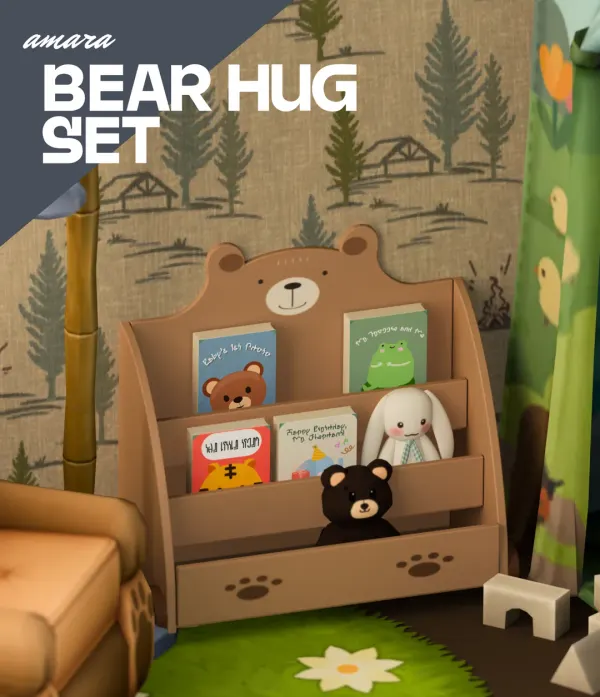
Bear Hug Set
NewKids RoomToddler RoomNurseryPlayroomPlayfulCozyShelves & StorageToys & PlushiesBooksWall DecorFigurinesWhite & CreamWood & BrownGreen & Mint
Cozy Little Things Bundle
Kids RoomToddler RoomPlayroomTeen RoomBedroomLiving RoomKitchenPastelColorfulShelves & StorageToys & PlushiesElectronicsTables & DesksKitchen & CookwarePlantsFigurinesPinkPurple & LilacWhite & CreamWood & BrownGreen & MintRed
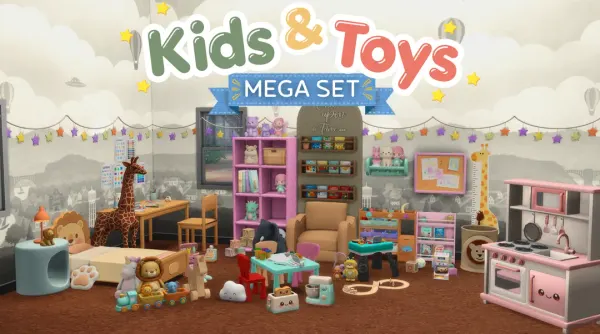
Kids & Toys Mega Set
Kids RoomToddler RoomPlayroomPastelPlayfulShelves & StorageToys & PlushiesBedsSeatingTables & DesksKitchen & CookwareWall DecorFigurinesPinkBeige & NeutralWood & BrownYellowGreen & MintBlue & TurquoiseRed
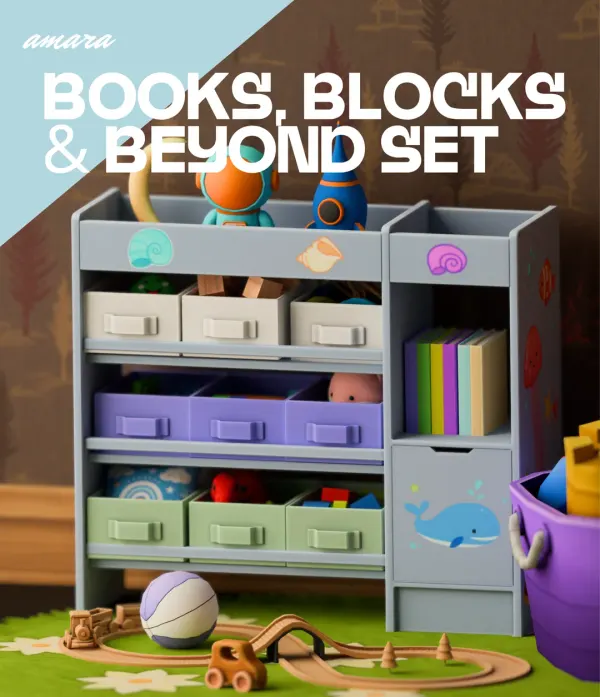
Books, Blocks & Beyond Set
Kids RoomToddler RoomNurseryPlayroomPastelShelves & StorageToys & PlushiesBooksFigurinesPurple & LilacWhite & CreamWood & BrownGreen & MintBlue & TurquoiseBlack & Grey