Retro Kitty Electronics Sims 4 Y2K Electronics Clutter · 2 Items
Retro Kitty Electronics for Sims 4: a pink boombox CD player and CRT TV with DVD, both with a cute kitty logo. Y2K kawaii clutter CC. Free download.
What's included in the Retro Kitty Electronics
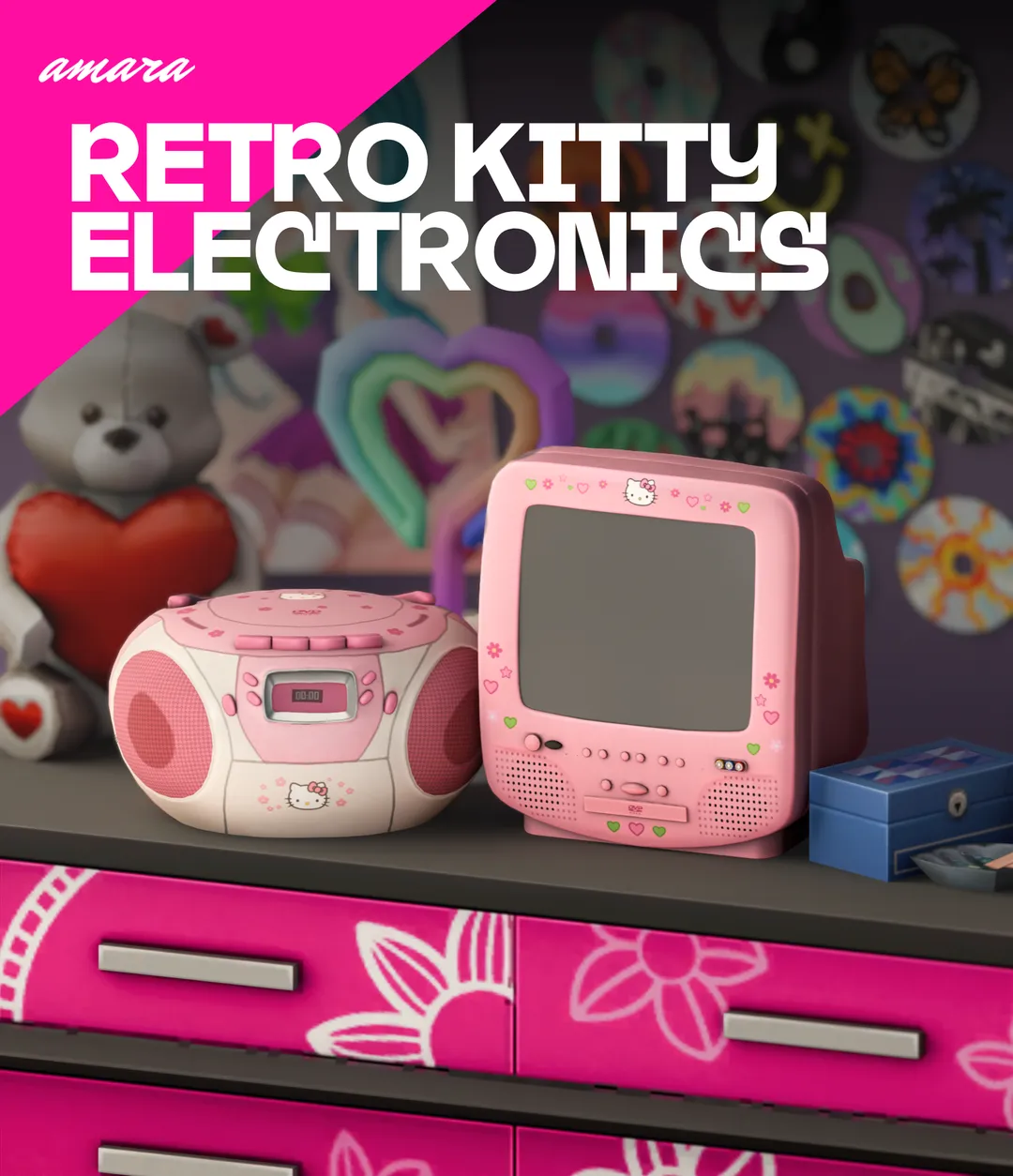
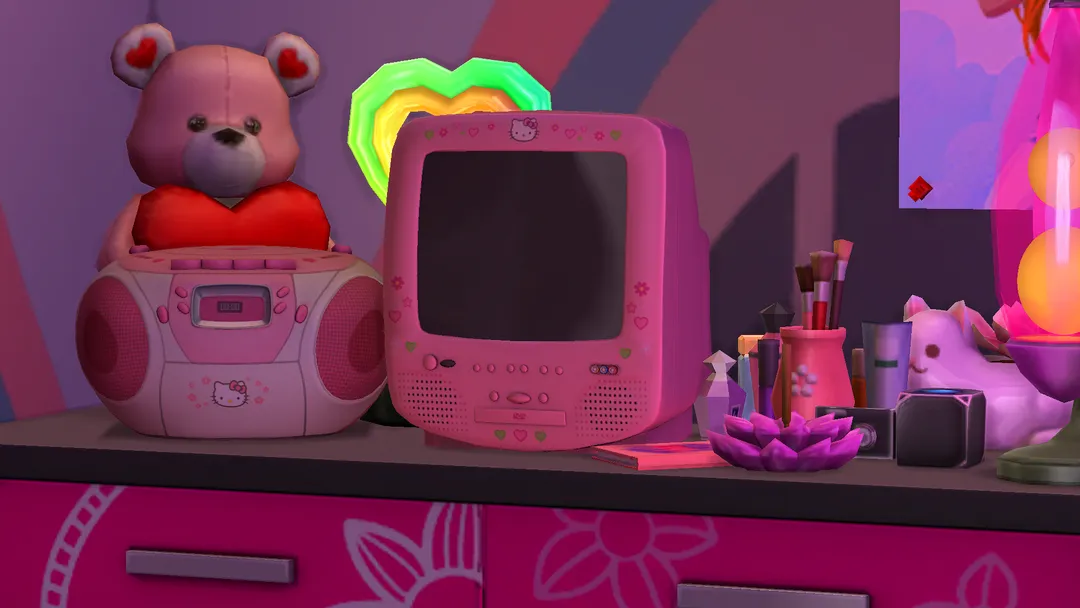
Retro Kitty Electronics by Amara brings early-2000s nostalgia into your Sims 4 game. This custom content set consists of two pink electronics with a cute kitty logo that instantly recall childhood bedrooms from back then. It is perfect for anyone looking for free Y2K and kawaii CC who wants to build a playful, girly bedroom for their Sims. Small in size but big on charm, these two pieces are easy to add to almost any themed room.
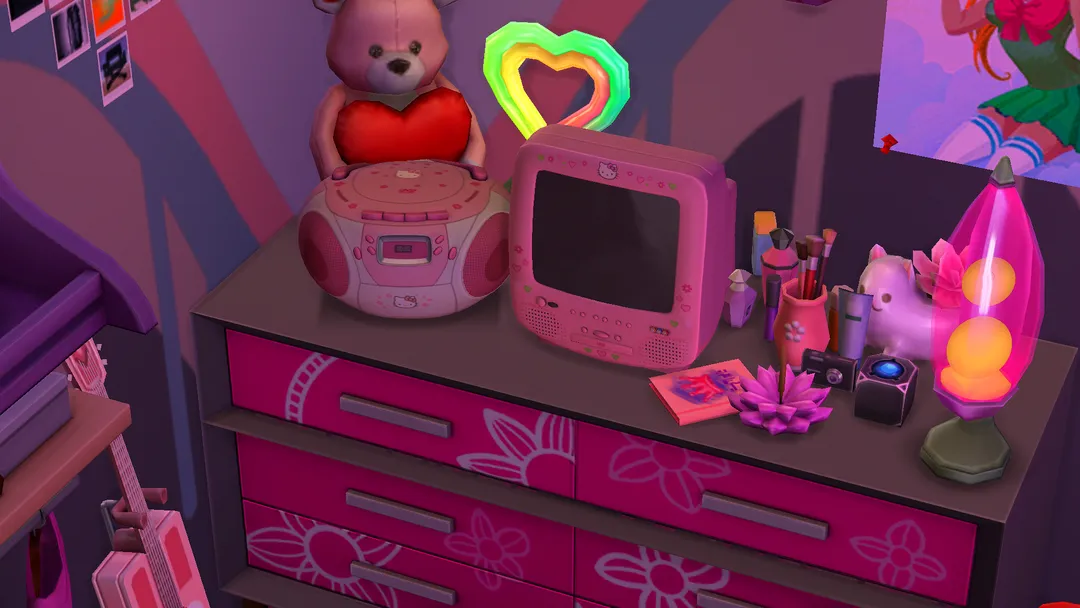
The set includes a pink-and-white boombox with a CD tray, display, buttons and round speakers, plus a compact pink CRT TV with a DVD slot, control knobs and speaker grilles. Both devices carry the kitty logo, and the TV is also decorated with little hearts and flowers. The in-game screenshots show the electronics on a dresser between a teddy bear, a heart lamp and makeup clutter, giving you a clear idea of how to style them in your own builds.
- Boombox / CD player (pink and white)
- CRT TV with DVD (pink)
Style & colors
The colour scheme is all rose, pink and white with pastel details in green and red. Place the boombox and TV on a dresser, shelf or desk in a girls' room, teen room or Y2K apartment. Combined with plushies, lava lamps and posters, they create a cohesive retro kids room. They also work as electronics clutter in a colourful living room. Turn on bb.moveobjects to stack them closely with other decor for a crowded, nostalgic shelf.
- Category
- Clutter & Decor
- Style
- KawaiiY2K & Retro
- Color
- PinkWhite & Cream
- Item type
- Electronics
- Swatches
- Rose, White, Pink
- Game
- The Sims 4 (base game)
Pairs well with
Love the Retro Kitty Electronics? It looks great together with the Pinkztaticz Set, the Y2KPop Set and the Cuddle Cubby Set – all free and in the same Maxis Match style.
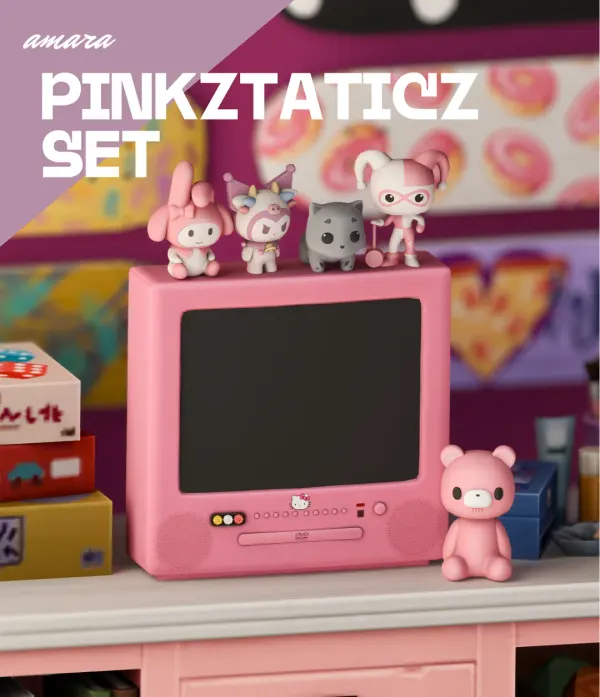
Pinkztaticz Set
Kids RoomTeen RoomBedroomKawaiiY2K & RetroPlayfulElectronicsWall DecorFigurinesPinkPurple & LilacWhite & CreamBlack & Grey
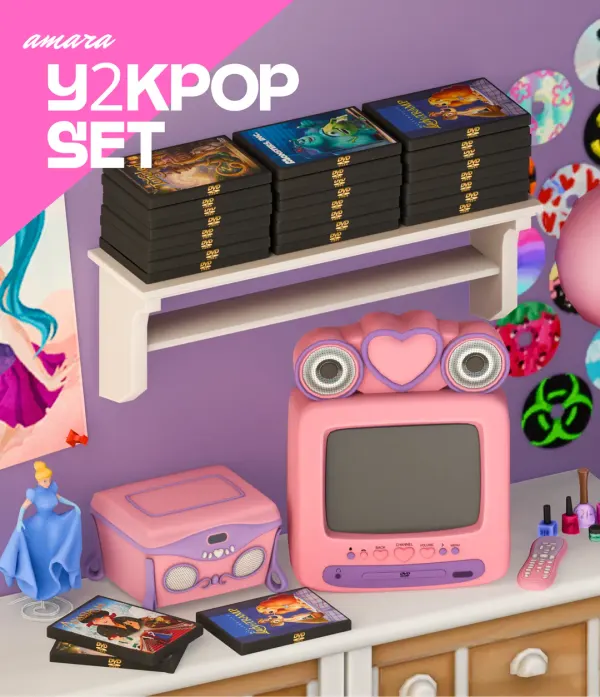
Y2KPop Set
Kids RoomTeen RoomBedroomLiving RoomY2K & RetroShelves & StorageElectronicsWall DecorFigurinesPinkPurple & LilacWhite & CreamBlack & Grey
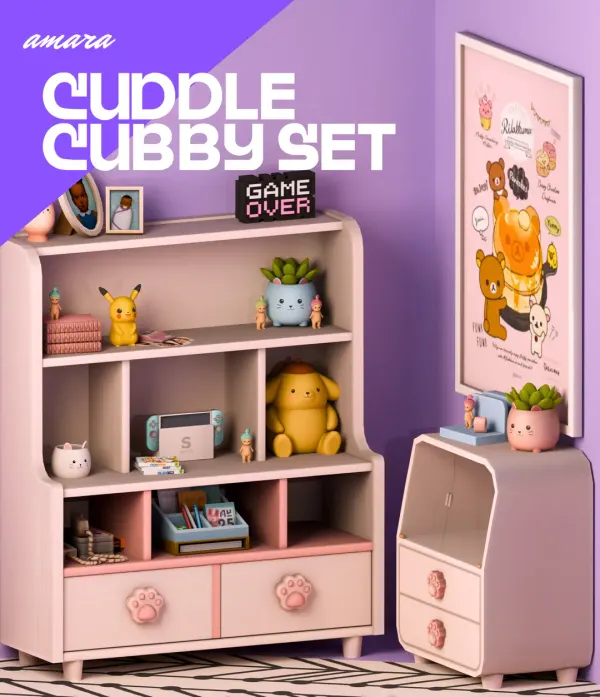
Cuddle Cubby Set
Kids RoomPlayroomTeen RoomBedroomKawaiiPastelPlayfulShelves & StorageToys & PlushiesBooksElectronicsWall DecorPlantsFigurinesPinkPurple & LilacWhite & CreamYellowBlue & Turquoise
Decorating tips
- Set both devices on a dresser next to a teddy bear and heart lamp, as in the preview.
- Add lava lamps and posters around them for a full early-2000s bedroom vibe.
- Use the boombox on a living room shelf as a pop of pink retro clutter.
Highlights
- Pink boombox with CD tray
- Pink CRT TV with DVD drive
- Kitty logo, hearts and flowers as details
- Nostalgic Y2K look
- Shown in-game on a dresser
Tip: use the cheat bb.moveobjects to place clutter freely and stack items on shelves.
How to install the Retro Kitty Electronics in The Sims 4
- Click the download button at the bottom of this page – the file is hosted on Amara's Patreon (a free membership is enough).
- Unzip the downloaded file if it is a .zip archive.
- Move the .package files into
Documents/Electronic Arts/The Sims 4/Mods(no more than five subfolders deep). - In the game, open Options → Game Options → Other and enable “Enable Custom Content and Mods”.
- Restart The Sims 4. You'll find the Retro Kitty Electronics in Buy Mode → Decorations (most items can be placed on shelves, tables and counters).
New to custom content? Read the full guide to installing Sims 4 CC.
FAQ
Is the Retro Kitty Electronics free?
Yes. The Retro Kitty Electronics is free – you only need a free membership on Amara's Patreon to see the download link.
Do I need an expansion pack for the Retro Kitty Electronics?
Amara creates CC for the base game. If an item ever needs a pack, it is noted in the Patreon post.
Is the Retro Kitty Electronics Maxis Match?
Yes – it is designed to blend in with the original Sims 4 art style (Y2K, retro, kawaii, pink).
The Retro Kitty Electronics doesn't show up in my game – what can I do?
Check that custom content is enabled in the game options, that the files are not nested more than five folders deep, and delete localthumbcache.package in your Sims 4 folder.
More Sims 4 Clutter CC
Browse more free clutter & decor by Amara: Bear Hug Set, Books, Blocks & Beyond Set, Talesy Set, Oak & Play Set, Handy Dandy Cookware and Whimsy & Wonders Set – or see all 11 sets in Clutter & Decor.
Free download
Retro Kitty Electronics
- Version
- 1.0
- Released
- Jun 5, 2026
- Game
- The Sims 4
- Price
- Free
Hosted on Amara's Patreon – a free membership is enough.
You might also like
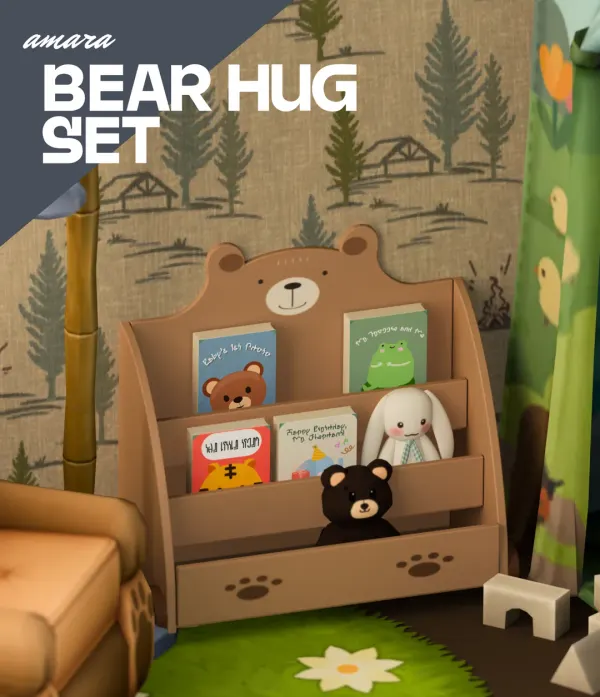
Bear Hug Set
NewKids RoomToddler RoomNurseryPlayroomPlayfulCozyShelves & StorageToys & PlushiesBooksWall DecorFigurinesWhite & CreamWood & BrownGreen & Mint
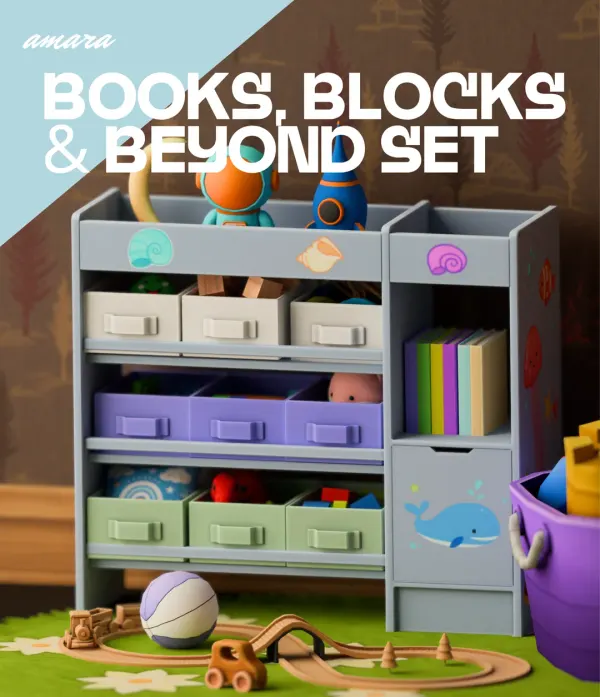
Books, Blocks & Beyond Set
Kids RoomToddler RoomNurseryPlayroomPastelShelves & StorageToys & PlushiesBooksFigurinesPurple & LilacWhite & CreamWood & BrownGreen & MintBlue & TurquoiseBlack & Grey
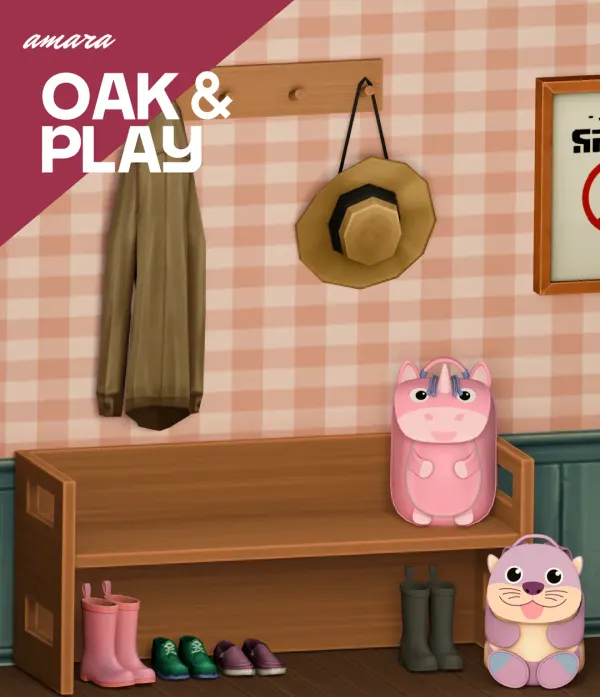
Oak & Play Set
Kids RoomHallway & EntrywayPlayfulCozySeatingWall DecorPinkPurple & LilacBeige & NeutralWood & BrownGreen & Mint

Handy Dandy Cookware
KitchenY2K & RetroPlayfulKitchen & CookwareWhite & CreamYellowBlue & Turquoise